How to put together a request for several spare parts at once
Put all items into one table: one row, one spare part. In each row give what it is, the model or marking, the dimensions, the quantity, the machine it sits on and a photo. The supplier can work through such a request at once, without a dozen emails asking you to clarify.
Updated
Contents
A request for several spare parts is easiest to make as one table: one row, one item. For each item you need a name, the model or marking, dimensions, quantity, the machine and place of installation, and photos. Mark what is urgent in a separate column. Such a table replaces a long correspondence: the supplier sees everything at once, asks questions only about the rows where something is missing, and does not mix up the items.
Why one table and not ten messages
When items arrive one at a time in a messenger, mixed in with photos, losses begin. A photo without a caption cannot be tied to an item. The quantity is in another message. A week later nobody remembers which bearing was "that second one".
A table solves this in three ways:
- each item has its own number, and questions and calculations refer to it;
- an empty cell is visible at once: you can see what is missing before the first question;
- the same table is later used to check the invoice, the shipment and the acceptance at the warehouse.
The template: which columns you need
| № | Column | What to write | Example |
|---|---|---|---|
| 1 | Row number | 1, 2, 3… — you name the photos by it | 3 |
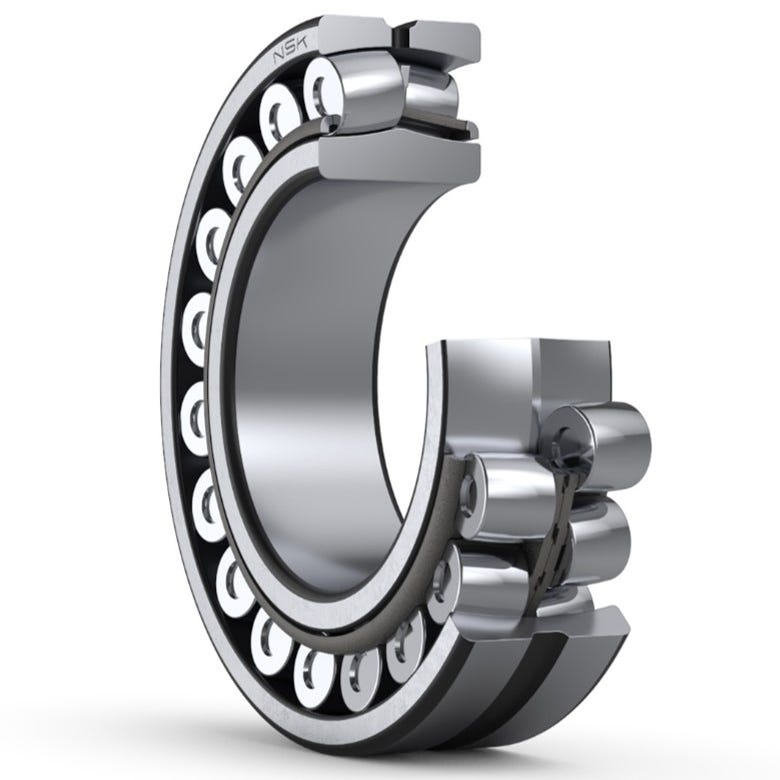
| 2 | What it is | a name in plain words | spherical roller bearing |
| 3 | Model, marking | everything written on the part or nameplate, in full | NSK 22208 EAE4 |
| 4 | Manufacturer | if known | NSK |
| 5 | Dimensions | the main ones, in millimeters, with labels | 40 × 80 × 23 |
| 6 | Quantity | how many are needed now and in what units | 4 pcs |
| 7 | Where it sits | machine, unit, location | slate line, felt washer, shaft 2 |
| 8 | Photo | file names | 03-1.jpg, 03-2.jpg |
| 9 | Urgency | urgent / planned | urgent, the shaft is stopped |
| 10 | Note | what happened, what matters | wear, noisy |
You can name the columns your own way. What matters is that each item is in a separate cell, not all in one sentence.
How to fill in difficult rows
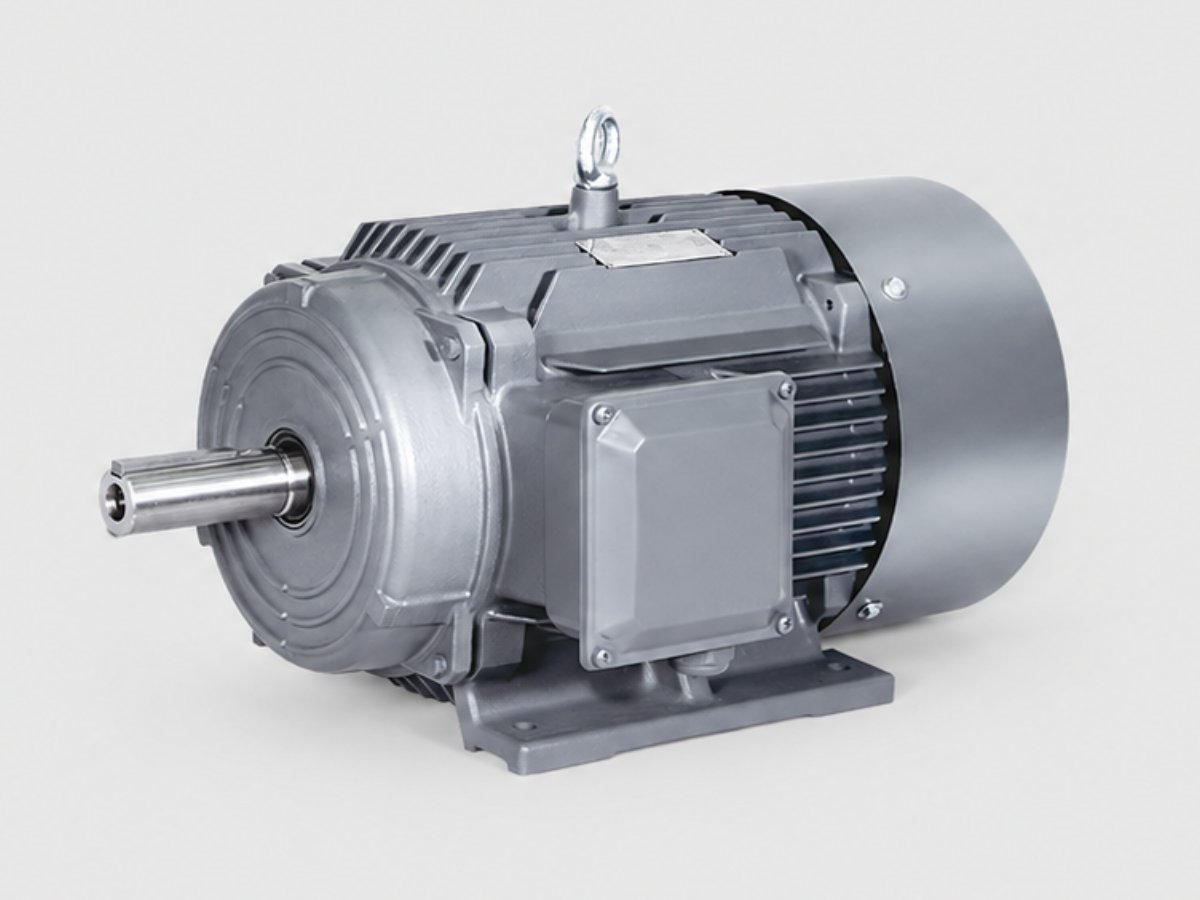
The marking is not copied in full. This is the most common mistake. The letters after the number seem unnecessary and are not copied. But for a bearing they decide the clearance and the shape of the bore, and for a motor the version and mounting. Copy everything you can see, even if the meaning is unclear.
There is no marking. Write "no marking" in column 3. In column 5 put all the dimensions you managed to take: mounting dimensions, fixing, shaft. Add a photo with a ruler next to the part. How to photograph such a unit is covered in the article on finding a part from a nameplate photo.
The unit is an assembly. For example, a motor with a gearbox. Better to use two rows: the motor separately, the gearbox separately, each with its own nameplate. In the note say that they work together.
You do not know how many are needed. Write how many are fitted on the machine in total and how many have failed. This helps decide whether to take a spare.
The same part on different machines. One row, and in "Where it sits" list all the places. That way the total quantity is visible.
Photos: how to name them so they do not get lost
Name the files with the row number: 03-1.jpg, 03-2.jpg are photos for row 3. Then a picture does not come loose from its item, even if the files arrive separately from the table.
Two or three pictures per item are enough: an overall view in place, the nameplate or marking close up, the part with a ruler.
Urgency: mark it honestly
If everything in the table is "urgent", nothing is urgent. Mark separately what stops the line or may stop it. The rest is planned.
This does not speed up production at the plant. But urgency affects how the goods are moved: it is sometimes better to send the urgent part separately and by a different method, and the planned part in one lot.
What does not belong in the request
- A price you "saw on the internet". The price is calculated for the lot: it depends on quantity, version and delivery terms.
- Waiting until the table is filled in completely. Send what you have: empty cells are visible, and the questions will be about them.
- Separate emails for each item. One table, one correspondence.
How to send it to us
- Send the table to info@taminota.com or in Telegram. In the form on the website you can attach up to three files: photos or a PDF.
- Items from our catalog can be collected with the "Add to list" button and sent as one request.
How we do it
- We go through the table row by row and answer by row number: what we found, what to clarify.
- For each item we look for the manufacturing plant. We send you what we found before the order with a price; your "yes" on a row is the order.
- At the plant we check what is shipped against your table: marking, quantity, completeness.
What this article relies on
This article is based on TAMINOTA's practice with requests and on how the request form on taminota.com works. No external sources were used.